OpenCart and ocStore extensions for your online store
SHOPX is an OpenCart extension store for merchants, content teams and developers who want to simplify everyday store management. Browse modules for order processing, product content, images, marketplace workflows and merchandising, and choose tools that address a specific task in your business.
CRM, automation and marketplace integrations
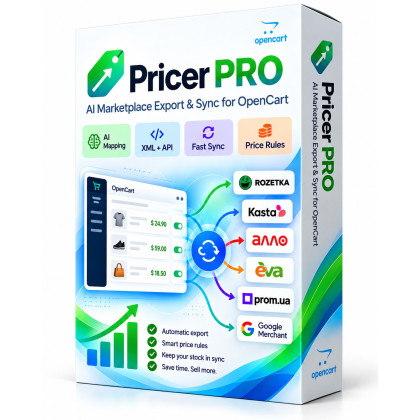
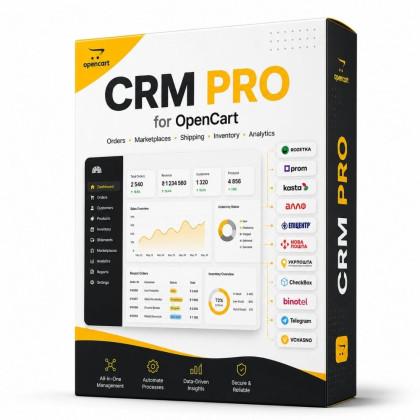
For an OpenCart CRM solution, explore CRM PRO, which covers orders, marketplaces, shipping and inventory workflows. Pricer PRO focuses on preparing product exports for marketplaces. When evaluating an OpenCart integration with Rozetka, Prom, Kasta or Allo, check the supported platforms and features of the particular extension.
AI content and SEO modules for OpenCart
Visual Forge AI helps prepare product descriptions, SEO content and metadata. Explore Image Forge AI for image-related tasks and Smart Slider AI for responsive promotional sliders and banners. These AI extensions for OpenCart can assist content production; generated descriptions and images still need an editorial check before publication. CBlog PRO for OpenCart 3 provides tools for publishing blog articles and building content.
Choosing extensions for OpenCart 3, OpenCart 2.3 and ocStore
Before you buy OpenCart modules, define the result you need: less manual order processing, faster catalog preparation or clearer product presentation. Check your OpenCart or ocStore release, PHP version, ionCube requirements and theme compatibility. The catalog includes extensions for different platform versions, but support for OpenCart 2.3, OpenCart 3.x or ocStore must be confirmed on each product page.
Purchase, installation and compatibility
Compare the feature list and system requirements, read the documentation and review the license terms. Before installing an OpenCart extension, back up both files and the database and test the change in a staging copy. Our extension installation guide and module compatibility guide explain what to check. For product questions, contact SHOPX with your platform version and the functionality you need.