





Top tips for choosing safe extensions
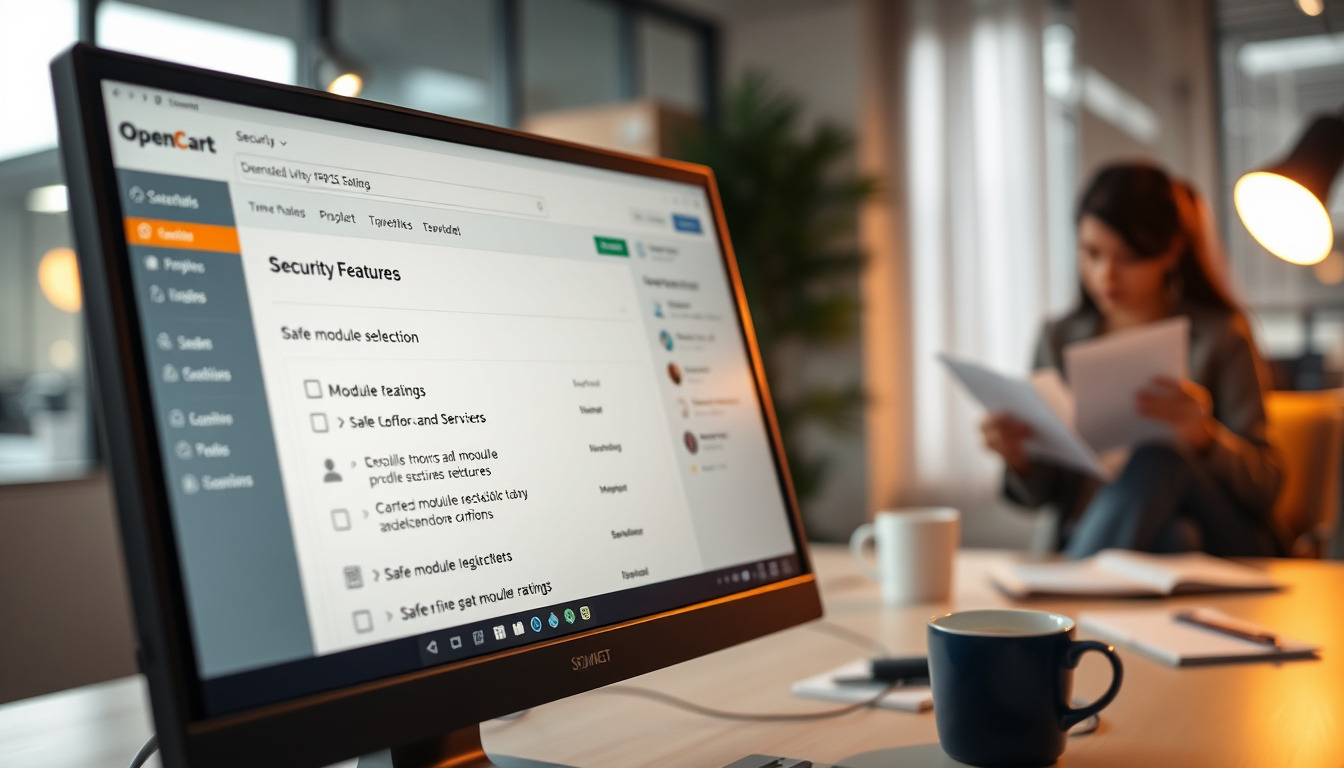
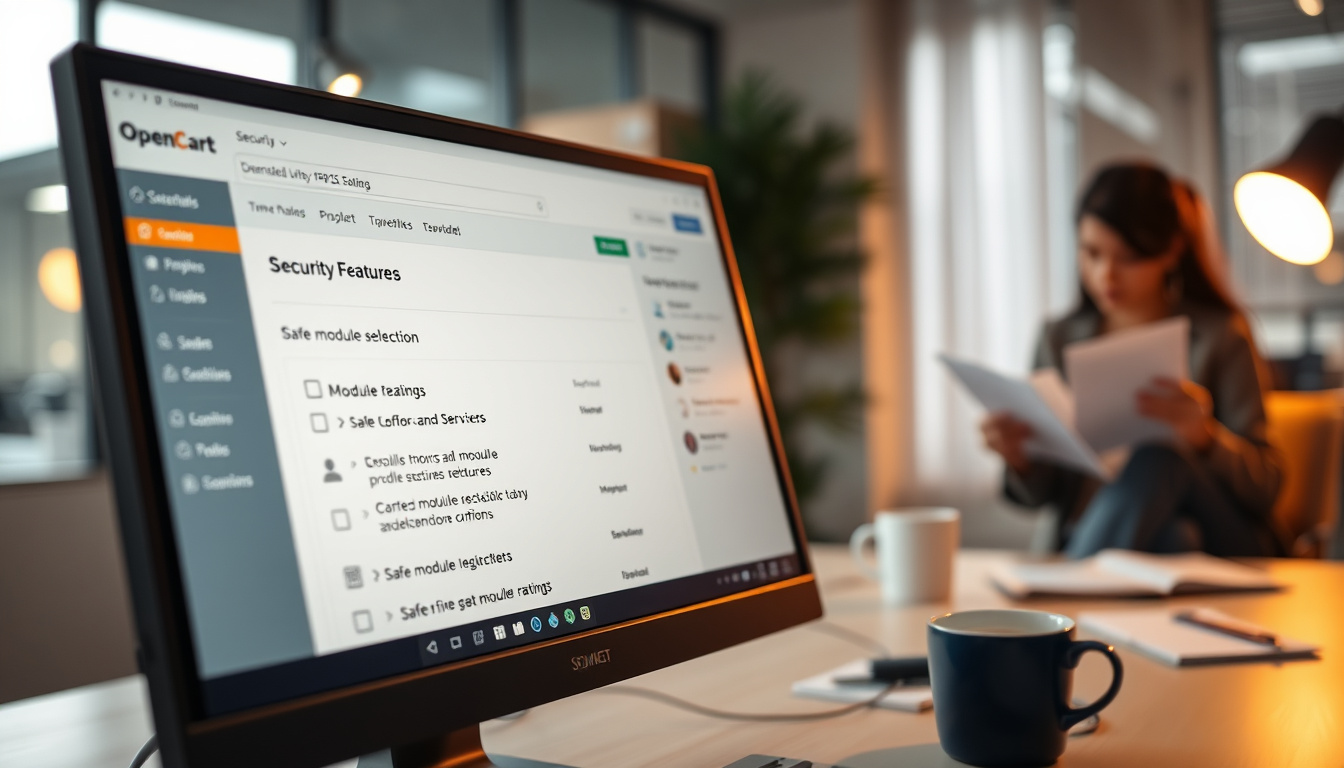
Choosing safe extensions for OpenCart is a critically important process that can significantly impact the security of your online store. In this section, we will discuss important tips that will help you avoid malicious OpenCart modules and ensure OpenCart security.
1. Check the reputation of the developer
Before buying extensions from ShopX or any other provider, always check their reputation. Pay attention to:
- User reviews
- Average product rating
- Duration on the market
The more positive reviews and the longer the provider has been in the market, the higher the chance that their products are safe.
2. Analyze the functionality of the extension
When considering top extensions for OpenCart, it is important to thoroughly study their functionality. Pay attention to:
- Does the functionality meet your business needs
- Does the extension contain unnecessary features that may create vulnerabilities
- Does the extension have documentation and support
Understand whether you really need all the features, as unnecessary capabilities can increase risk.
3. Check for updates
The security of OpenCart modules depends on the regularity of their updates. Extensions that are actively updated are usually more secure. Check:
- Update frequency
- Are patches released to fix vulnerabilities
- Is support provided after purchase
Regular updates indicate that developers are monitoring security and responding to new threats.
4. Examine the extension code
If you have technical knowledge, try to analyze the extension code. Pay attention to:
- Are there malicious scripts in the code
- Are known vulnerabilities used
- Is the code clean and understandable
If you are not confident in your abilities, it is better to consult professionals to prevent potential risks.
5. Use only verified platforms
Always buy safe plugins for OpenCart only from reputable platforms, such as the official OpenCart store or reliable sites like ShopX. Avoid:
- Doubtful websites
- Free versions that may be modified
- Unknown sources
By purchasing reliable modules, you reduce the risk of encountering malicious OpenCart modules.
6. Test the extension on a local server
Before implementing the extension on your live site, test it on a local server. This will allow you to:
- Check functionality
- Identify possible conflicts with other modules
- Evaluate the impact on site speed
Testing will help avoid serious problems in the future.
By following these tips, you can significantly enhance OpenCart's security and avoid issues with malicious modules. Safe extensions from ShopX and other verified providers are a guarantee of your online store's successful operation.
Statistical Data on Malicious Modules
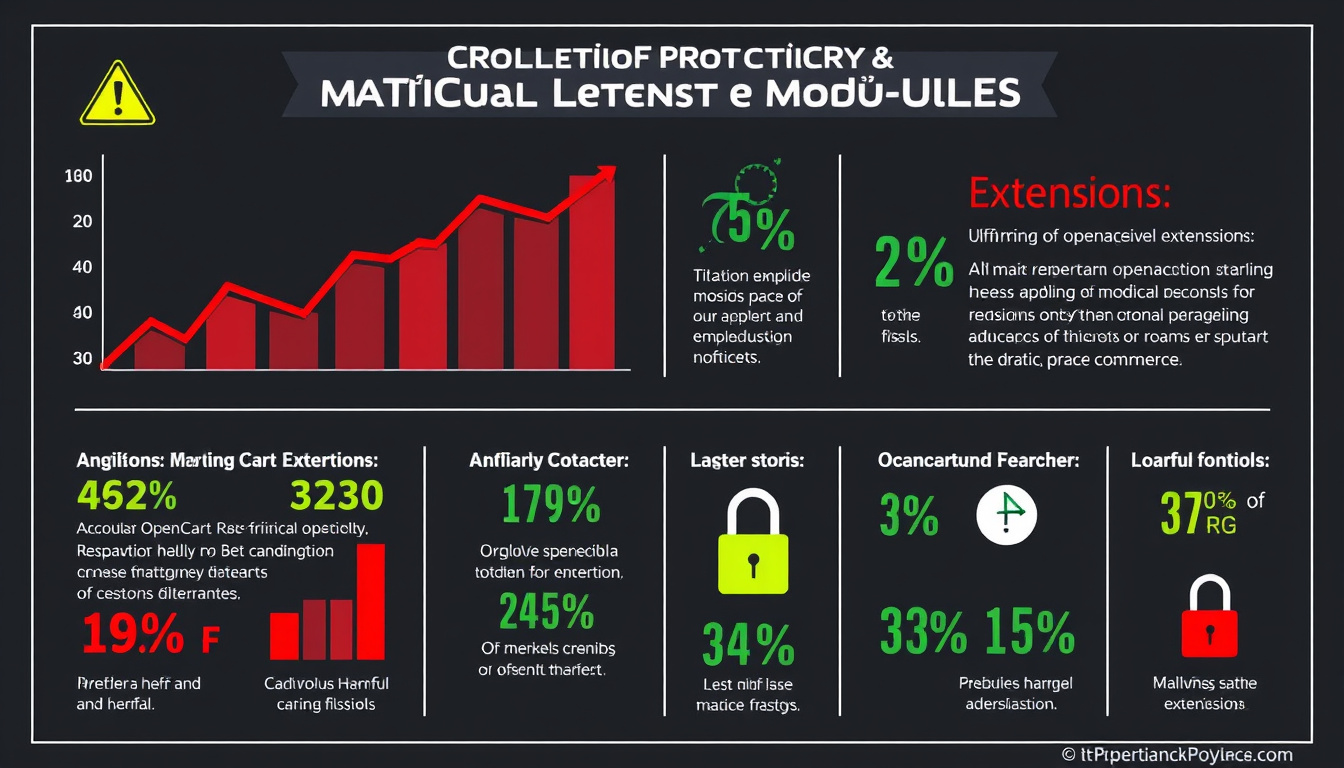
In the world of e-commerce, where platforms like OpenCart provide the opportunity to create successful online stores, there is also a risk of encountering malicious modules. Statistical data indicates that approximately 30% of all damage caused to businesses online is associated with malicious plugins and extensions. This underscores the importance of understanding which extensions are worth using and which ones are better to avoid.
Distribution of Malicious Modules for OpenCart
According to data from security sources, over 40% of all malicious modules for OpenCart are designed to steal users' personal data. This includes credit card information, addresses, and other sensitive data. Such modules can be distributed through unverified platforms or even through official stores if proper checks are not conducted.
Impact of Malicious Modules on Business
According to surveys, 70% of entrepreneurs who have fallen victim to malicious modules have experienced not only financial losses but also a loss of trust from customers. About 50% of them reported that their business suffered significant losses due to forced closures while addressing the aftermath of the attack.
How to Avoid Malicious Modules
To avoid malicious OpenCart modules, it is important to pay attention to certain factors. For example, 85% of malicious modules contain negative reviews or low ratings on platforms. Using extensions from ShopX or other verified providers can reduce the risk. The market offers top extensions that have undergone thorough security checks.
Statistics on Attacks on OpenCart
According to analytics, 25% of all attacks on OpenCart online stores occur due to vulnerabilities in modules. These figures highlight the importance of choosing secure plugins for OpenCart. In most cases, such attacks can be prevented through regular monitoring and updating all modules to the latest versions.
Protecting OpenCart from Malicious Modules
Ensuring the protection of OpenCart requires a comprehensive approach. Statistical data indicates that stores that regularly audit their modules reduce the risk of attack by 60%. It is also important to stay updated and implement new security technologies to prevent potential threats.
Conclusion
The security of OpenCart modules is critically important for protecting your business from malicious attacks. Using secure plugins for OpenCart, such as extensions from ShopX, can significantly reduce risks. Remember that regular updates and audits of installed modules are key to the successful and safe operation of your online store.
Security Assessment of OpenCart Modules
In this article, we discussed the importance of security for OpenCart modules and provided tips on choosing safe extensions. Now let’s summarize our findings by evaluating the key security criteria for modules that will help you avoid falling for malicious extensions.
Security Assessment Criteria
- Source of the extension: check if the extension is from ShopX or other reputable developers.
- Reviews and ratings: analyze user reviews and overall ratings on platforms where modules are sold.
- Updates: it is important that the extension has regular updates, indicating support and active development.
- Documentation: the presence of detailed documentation can be an indicator of the developer's professionalism.
- Code security: check if the module code passes security checks.
Extension Evaluation
When assessing the security of an extension, it is important to consider the aforementioned criteria. For example, extensions from ShopX are noted for their high quality and security, as the company adheres to strict standards in the development of its products. Choosing such extensions can significantly reduce the risk of introducing malicious OpenCart modules into your online store.
Recommendations
In summary, we recommend following these principles when choosing modules for OpenCart:
- Always check the module developer and their reputation.
- Do not skimp on security — invest in quality paid extensions, as safe plugins for OpenCart can save you time and money in the future.
- Regularly update your modules to maintain the security of OpenCart at an adequate level.
- Implement additional security measures, such as data backups and using antivirus programs.
Final Recommendation
Choosing safe OpenCart extensions is not only about technical aspects but also about understanding the risks associated with malicious modules. To protect your online store, choose only verified solutions, such as extensions from ShopX, and adhere to the recommendations provided. The security of your business starts with the right choice of modules. Do not ignore these tips — they are the key to the success of your e-commerce business.
Verify the seller as well as the extension
A search for OpenCart modules should end with a supplier check: feature documentation, system requirements, license terms and a contact for questions. Reviews or a low price alone do not prove an archive is safe. In the SHOPX OpenCart extension store, review the selected product details and prepare a backup and staging copy before installation. Share API keys and access credentials only through an agreed protected channel.

No comments yet. Be the first!
Leave a Comment